


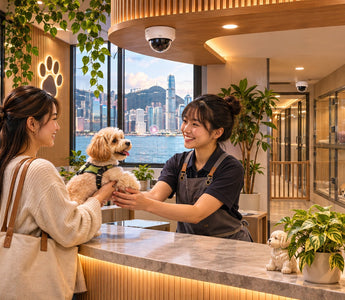
Give reception and boarding rooms separate roles. Staff may need a saved clip of a carrier, lead and belongings changing hands. An owner checking on a pet needs a much narrower view. Place the guest-facing camera so that even its widest accessible position shows only the assigned space.
Can an owner see just one pet?
A single room camera can still show a neighbour when someone opens a partition or pans the lens. Walk the full camera range and open the kennel door during a trial. If another animal, customer or staff-only area comes into view, use a different position or offer staff-selected updates.
Check the actual sharing controls
The Reolink E1 Zoom 4K indoor camera is a candidate for a dry indoor position. Check the supplied hardware ID and firmware. Reolink lists E1 Zoom hardware IPC_NT14NA48MPSD6 for Advanced Sharing. On supported devices the default viewing role can include playback. Confirm whether playback, audio and pan/tilt can each be restricted on your unit. Reolink.
Test with a clean guest account before check-in
On mobile data, open the invitation on a phone that has never held administrator access. Try other channels, yesterday’s clips, sound and the pan controls. At checkout cancel the share, reopen the app and try the old link again. If the account can see a previous stay or another enclosure, keep the feed staff-only. Record who issued and revoked access. Business CCTV privacy guide.


