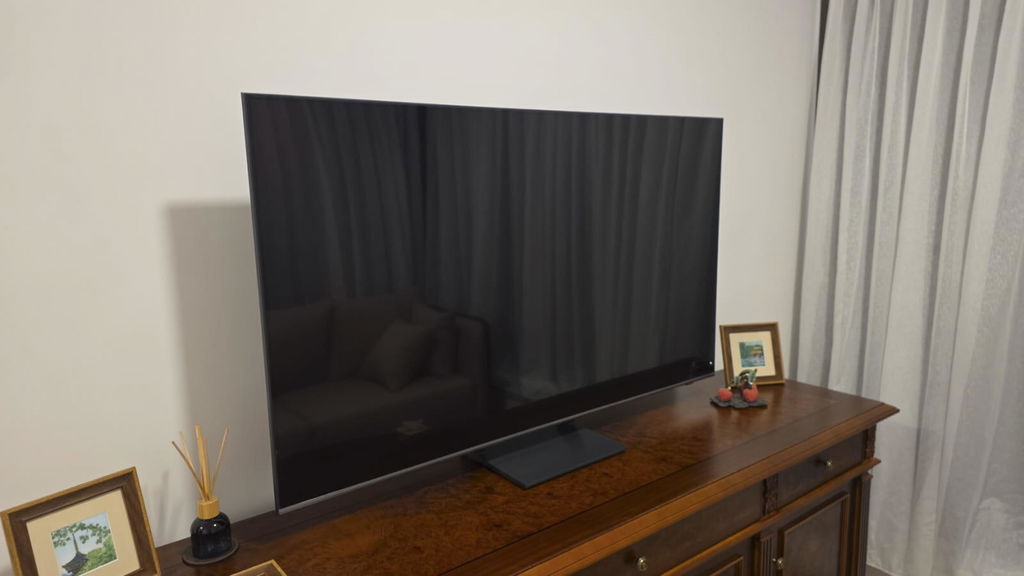
In the United States, LG puts "with Supplied Wall Mount" into the product name of this very television.
What we sell is the international version. Same panel, same core specification — but its official in-box accessory list names only the remote and the power cord.
You will not find that distinction in any article rewritten from an American review, and it is worth knowing before you order. Everything else worth checking is below.
Two sizes in stock
The LG OLED evo AI G6 is in stock in 65-inch and 77-inch. Both are available.
One thing to keep in mind while researching online: within a single series, the regional versions share the same panel and the same core specification, but in-box accessories, pre-loaded apps and the warranty channel all vary by region. So overseas reviews are perfectly useful for picture quality and gaming performance — but for "what is actually in the box", check against the version you are buying.
120Hz native — this is one set that needs no qualifying
We have written about how to tell a native refresh rate from a high-frame mode: a great many "120Hz" claims are DLG, bought by halving vertical resolution, and a great many "144Hz" figures are VRR ceilings rather than native panel specs.
The G6 is neither. LG's specification sheet prints Refresh Rate 120Hz Native on one line and VRR 165Hz on another. Which means:
- 120Hz is the panel's genuine native refresh, with no resolution given up
- 165Hz is the VRR ceiling — it needs a source actually producing 165 frames, which in practice means a gaming PC
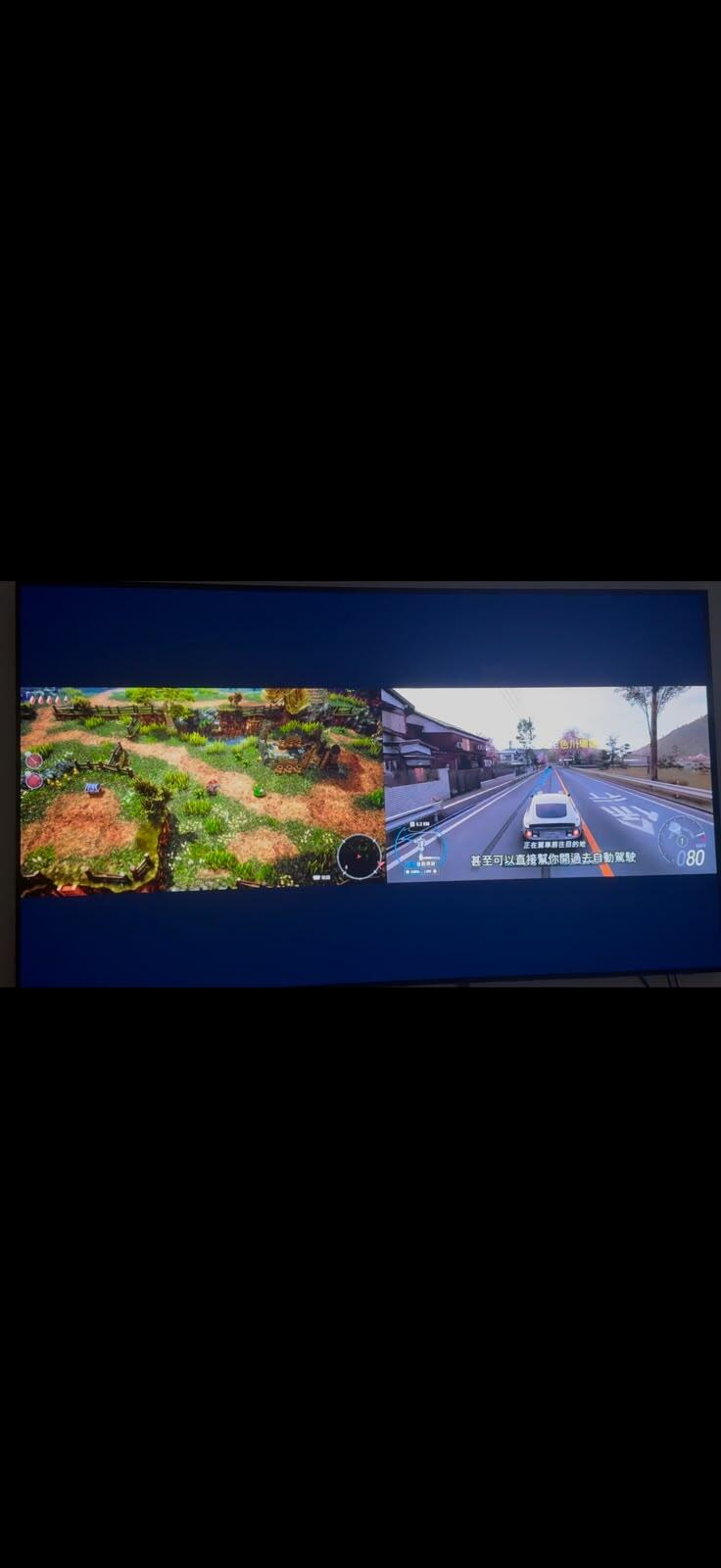
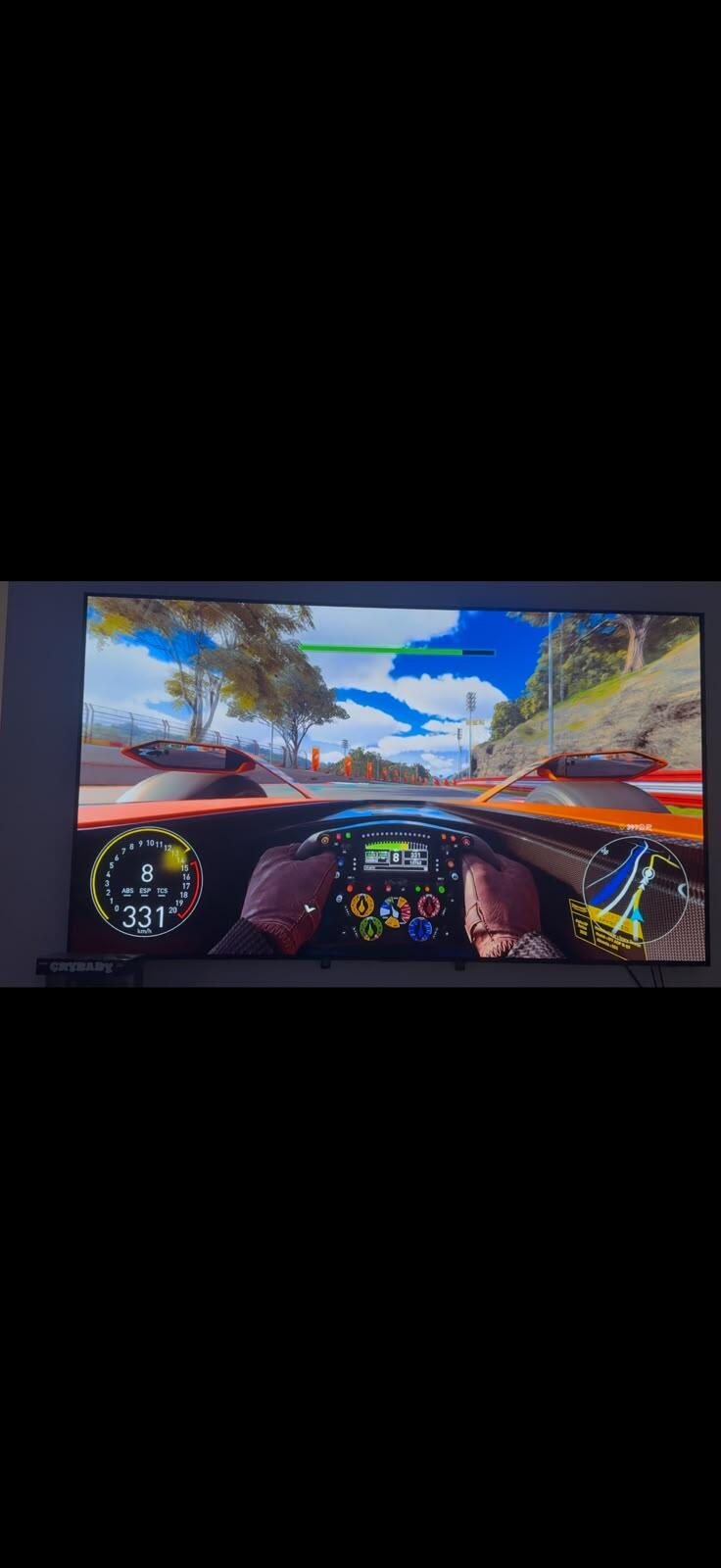
A PS5 and an Xbox Series X top out at 4K 120, so a console owner is using the native 120Hz here with nothing traded away. That is the most concrete difference between this and most sets near its price.
Gaming: all four ports are the same, so there is nothing to get wrong
On many televisions the high-bandwidth features sit on only one or two HDMI inputs, and if you use the wrong one you lose VRR without the set telling you. On the G6 all four ports support 4K 120Hz, eARC, VRR, ALLM, QMS and QFT. Set-top box, console, soundbar, PC — plug them in wherever.
It also does Dolby Vision Gaming at 4K 120Hz. That is an LG-only advantage: Samsung does not support Dolby Vision anywhere in its range, so if you want Dolby Vision HDR while gaming, LG is where it exists.
Gallery design and wall mounting — the part to get straight
Sitting flat against the wall is the whole point of the G series. The 65-inch is 24.3mm deep without the stand, the 77-inch 24.8mm — mounted, it sits about as proud as a framed picture. The mounting pattern is VESA 300 × 300 on both sizes.
Which brings back the opening point: the international version's official accessory list names only the AI Magic Remote MR26 and the power cord. No wall mount. The US version does include one, prominently enough that it is written into the product name.
So if the reason you want a G6 is "gallery design plus the factory flush mount", confirm it with us before you order. We would rather say so plainly than have you open the box and discover you need to buy a bracket. Wall-mounting charges are on the delivery and installation page.
Picture: OLED evo with Dolby Vision, but no HDR10+
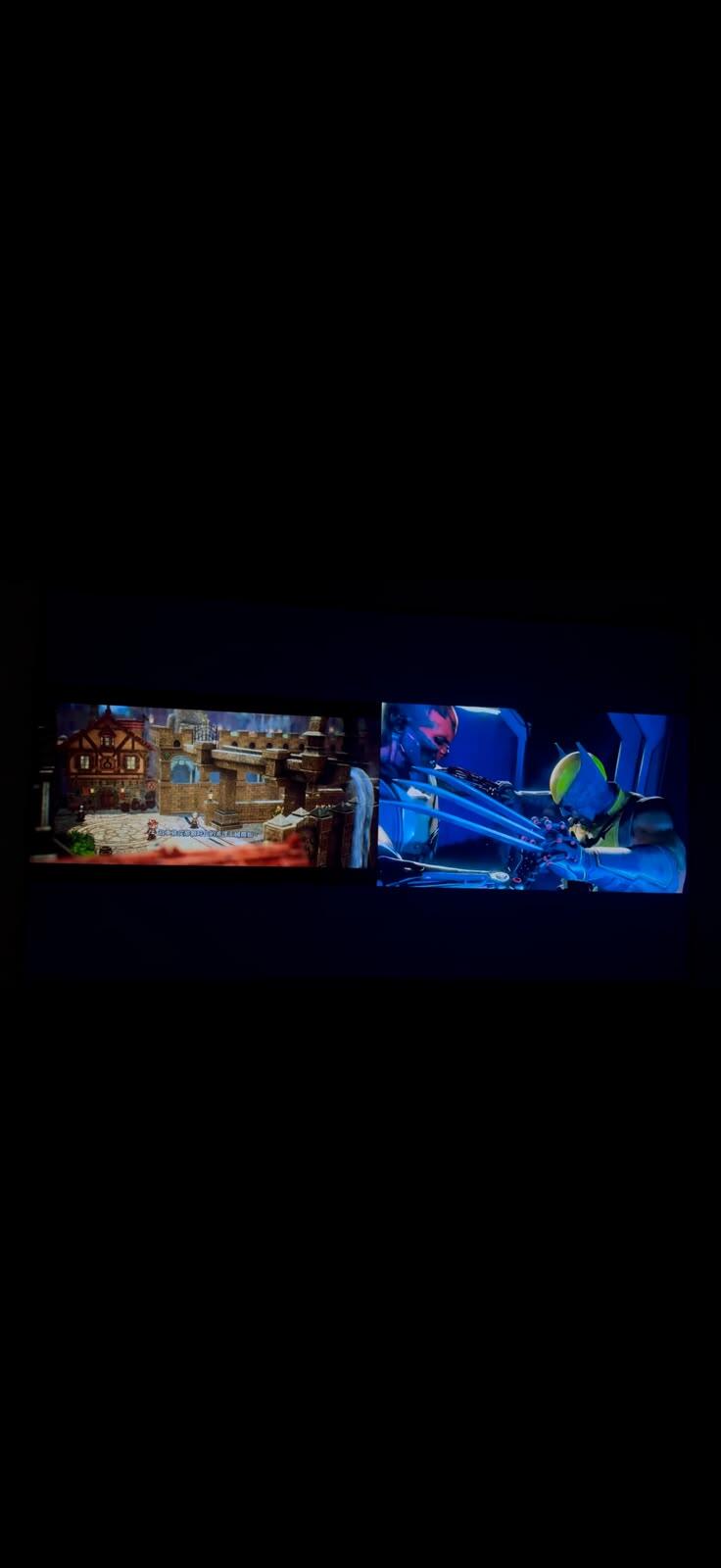
OLED's self-lit pixels give real black — not a very dark grey, but that pixel switched off. In a dark room this is still the thing Mini LED cannot match.
The G6 pairs an OLED evo panel with the Alpha 11 AI Processor 4K Gen3 with Dual AI Engine, LG's strongest upscaling and motion processing this generation. In practice that matters more in Hong Kong than the panel headline: local free-to-air broadcast is 1080i and streaming is compressed, so genuinely native 4K is a smaller share of what you watch than people assume. How well a set upscales is the difference you actually see.
One format point worth knowing: LG has Dolby Vision and no HDR10+; Samsung is the exact reverse. Both formats are well covered on the major streaming services, so the real difference shows up with 4K Blu-ray and the Apple TV 4K box — both firmly Dolby Vision territory. If you own a 4K disc player or an Apple TV, this is a real distinction rather than a spec-sheet one.
Sound: it can play alongside a soundbar rather than instead of it
Built in are 60W 4.2-channel down-firing speakers, with Alpha 11 AI Sound Pro upmixing to a virtual 11.1.2.
The more useful feature is WOW Orchestra: paired with an LG soundbar, the television's own speakers keep playing alongside it rather than muting. Most brands silence the TV speakers the moment a soundbar is connected; LG's approach makes an audible difference to dialogue and to high-frequency placement.
How it sits against the rest of what we stock
If you want OLED for less — the LG C6. Same OLED evo, same webOS, same Dolby Vision support, in 55, 65 and 77 inch. What you give up is processor tier, peak brightness and the gallery chassis. In an ordinary living room most people cannot tell the two apart on dark-scene performance.
If you want bigger than 77 inch — OLED pricing climbs steeply past 77. For more screen, look at the LG MRGB85 Mini RGB in 65, 75 and 86 inch: considerably brighter, better suited to a bright living room, but it will not reach OLED's black level.
On the Samsung side — the S90F OLED has four HDMI 2.1 ports at 4K 144Hz on a native 100Hz panel. No Dolby Vision, but it does have HDR10+, and it starts at a smaller size.
The full range is in OLED televisions and all televisions. Prices and availability are on the product pages.
Who should not buy this one
Honestly, several situations:
- A bright room you mostly watch in during the day — OLED brightness has improved a great deal, but on raw output a Mini RGB or Mini LED at the same price still wins
- Hours a day on one news channel or a stock ticker — static logos and crawling tickers left on screen carry a burn-in risk on OLED that Mini LED does not have. For that pattern, the MRGB85 is the safer buy
- Drama and streaming only, no gaming — you will not use the native 120Hz or the 165Hz VRR at all, and the C6 or something cheaper already covers you
- You want HDR10+ — no LG has it; that is a Samsung feature
Frequently asked questions
What sizes does the G6 come in, and are they in stock in Hong Kong?
We stock the 65-inch and the 77-inch, and both are available. LG's global line-up includes larger sizes, but those are the two we bring in. WhatsApp us to confirm current availability before ordering.
Does the G6 come with a wall mount?
The US version does — LG puts "with Supplied Wall Mount" in the product name itself. But the international version we sell lists only the AI Magic Remote MR26 and the power cord as in-box accessories. No bracket. Accessories differ by regional version, so confirm with us before ordering rather than relying on an American review. The mounting pattern is VESA 300 × 300.
Is the G6 really 120Hz, or is it a DLG figure like some other sets?
It is genuinely native. LG's specification sheet prints them separately: Refresh Rate 120Hz Native, and VRR 165Hz. The 120 is the panel's native refresh with no resolution sacrificed; the 165 is a variable-refresh ceiling that needs a source producing 165 frames, which in practice means a gaming PC. Plenty of sets advertised at "120Hz" are running DLG, which halves vertical resolution to double the frame rate. The G6 is not one of them.
Which HDMI port should I use for a PS5?
Any of them. All four HDMI inputs on the G6 support 4K 120Hz, eARC, VRR, ALLM, QMS and QFT. This is worth noting because on many televisions only one or two ports carry the high-bandwidth features, and using the wrong one silently costs you VRR.
Does the G6 support Dolby Vision? What about HDR10+?
It supports Dolby Vision, including Dolby Vision Gaming at 4K 120Hz, and Dolby Atmos. It does not support HDR10+. This is the long-standing split between the two brands: LG has Dolby Vision and no HDR10+, Samsung has HDR10+ and no Dolby Vision. Both formats are well served on the major streaming platforms; the practical difference shows up on 4K Blu-ray and the Apple TV 4K box.
Will an OLED get burn-in?
It depends on how you use it. Ordinary viewing — drama, films, gaming, streaming — is fine, and modern OLEDs use pixel shifting and brightness management to reduce the risk. What does carry risk is leaving a static element on screen for hours at a time: a news channel logo, a stock ticker, a game HUD. For that usage pattern we would point you to Mini LED or Mini RGB instead, where the risk is zero.
What is the difference between the G6 and the C6?
Both are OLED evo, both run webOS, both support Dolby Vision. The differences are processor tier, peak brightness, and the G series' gallery chassis (24.3mm on the 65-inch). The C6 comes in more sizes — 55, 65 and 77 inch. If you are not mounting it flush and are not watching in a bright room, the C6 is usually the more sensible value.
Can I see one in person?
The Kwun Tong showroom is for collection only — there are no demonstrations or side-by-side comparisons. You are welcome to book a visit to see stock in person, but not every model is out on display, so WhatsApp us first to confirm.
On version and warranty
We carry both international-version and Hong Kong licensed stock. Where the product title says "International Version", the warranty is ours — three years of on-site inspection and repair, unlimited labour visits, replacement parts quoted separately. Where the title does not say it, the set is Hong Kong licensed stock and carries the manufacturer's own Hong Kong warranty. The G6 is an international-version set. Details are on the warranty policy page.
Delivery, optional on-site installation and wall-mounting charges are on the delivery and installation page.